
Hey there! As a supplier of Auto Loading Unloading Machine, I've seen my fair share of issues with these machines. In this blog post, I'm gonna share some tips on how to troubleshoot common problems that you might run into.
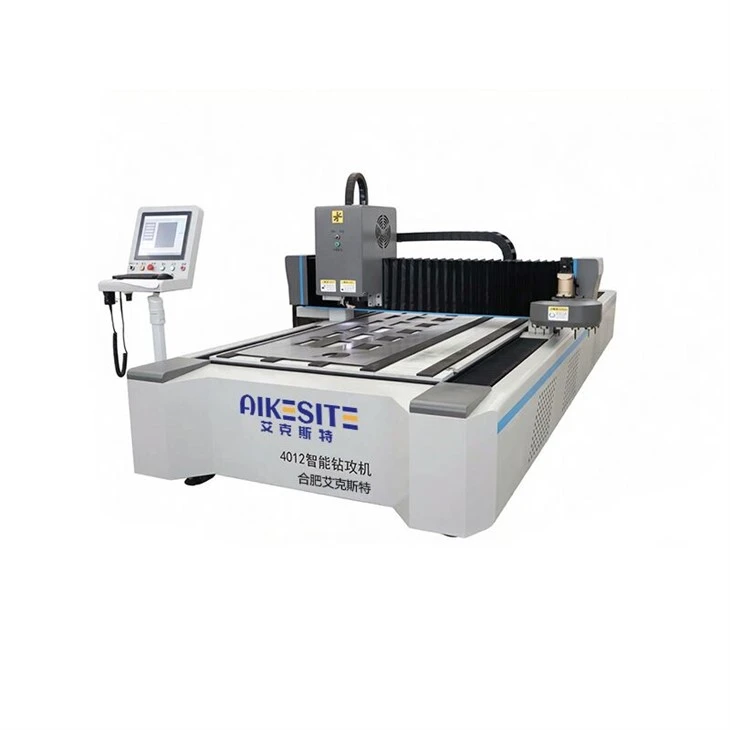
Machine Won't Start
One of the most common issues is when the machine just refuses to start. First things first, check the power supply. Make sure the machine is properly plugged in and that the circuit breaker hasn't tripped. Sometimes, it could be as simple as a loose connection. Give the power cord a gentle tug to see if it's secure.
If the power supply seems okay, then take a look at the control panel. Is there an error code displayed? Error codes are like little clues that can point you in the right direction. Refer to the machine's manual or our online support resources to decipher what the code means.
Another possible culprit could be the safety sensors. These sensors are in place to protect operators from harm, but sometimes they can malfunction. Check if any of the sensors are blocked by debris or if they're misaligned. Try cleaning them gently with a soft cloth and realigning them if necessary.
Loading or Unloading Issues
If the machine is having trouble loading or unloading materials, there are a few things you can check. Start by inspecting the conveyor belts or suction cups (depending on the type of loading mechanism). Are they damaged or worn out? Worn belts can cause slipping, and damaged suction cups may not hold the materials properly.
Next, look at the alignment of the loading and unloading areas. If the materials aren't being placed in the right position, it could be due to misaligned guides or stops. Adjust them according to the machine's specifications.
Also, make sure that the materials you're using are compatible with the machine. Some machines are designed for specific types and sizes of materials. Using the wrong ones can lead to loading and unloading problems.
Communication Errors
In today's world, many Auto Loading Unloading Machines are integrated with other systems, such as Intelligent CNC Drill and Tap Machines or Smart Vertical Warehouse Systems. Communication errors can occur between these systems, causing the machine to malfunction.
If you're experiencing communication issues, check the network connections. Make sure all the cables are plugged in tightly and that there are no network outages. You can also try restarting the connected devices and the machine itself. Sometimes, a simple restart can resolve communication glitches.
If the problem persists, check the software settings. Make sure the machines are configured to communicate with each other correctly. Refer to the user manuals or contact our technical support team for assistance.
Speed and Precision Problems
If the machine is operating at an incorrect speed or if the movements aren't precise, it can affect the quality of the work. Check the speed settings on the control panel. Make sure they're set according to the requirements of the job.
Worn-out components can also affect speed and precision. Check the gears, bearings, and motors for signs of wear or damage. If you notice any issues, replace the worn parts as soon as possible.
Calibration is another important factor. Regularly calibrate the machine to ensure that it's operating at the correct speed and with the right precision. Follow the calibration procedures outlined in the user manual.
Overheating
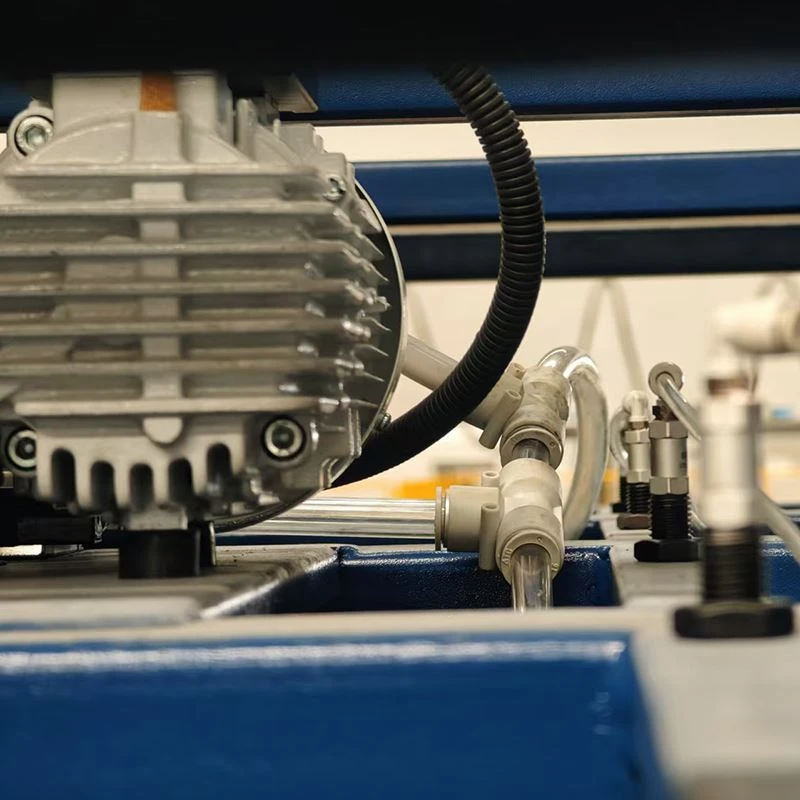
Overheating is a serious problem that can damage the machine and cause it to malfunction. If you notice that the machine is getting too hot, first check the cooling system. Make sure the fans are working properly and that there are no blockages in the ventilation ports.
Dirty filters can also cause overheating. Clean or replace the filters regularly to maintain proper airflow. If the overheating problem persists, it could be a sign of a more serious issue with the electrical system. In this case, it's best to contact our technical support team for further diagnosis and repair.
Tips for Preventive Maintenance
Preventive maintenance is key to keeping your Auto Loading Unloading Machine in good working condition and reducing the likelihood of problems. Here are some tips:
- Regular Cleaning: Keep the machine clean by removing debris and dust regularly. This can prevent buildup that can cause problems with the moving parts.
- Lubrication: Lubricate the moving parts as recommended in the user manual. This can reduce friction and wear, extending the lifespan of the machine.
- Inspections: Conduct regular inspections of the machine to check for signs of wear, damage, or loose connections. Catching problems early can prevent them from becoming more serious.
- Software Updates: Keep the machine's software up to date. Software updates can fix bugs, improve performance, and add new features.
Conclusion
Troubleshooting common problems with an Auto Loading Unloading Machine doesn't have to be a headache. By following the tips in this blog post, you can identify and resolve many issues on your own. However, if you're ever in doubt or if the problem persists, don't hesitate to contact our technical support team.
If you're looking to purchase a new Auto Loading Unloading Machine or any of our other products like the Intelligent CNC Drill and Tap Machine or Smart Vertical Warehouse System, we're here to help. Just reach out to us to start the procurement and negotiation process. We're committed to providing you with high-quality machinery and excellent customer service.
References
- Manufacturer's user manual for Auto Loading Unloading Machine
- Industry best practices for troubleshooting and maintenance of automated machinery